iAnyGo iOS App Installation New Guide
How to install iAnyGo iOS App? Follow the new guide below!
Step 1: Download TestFlight from the App Store. (Skip if already installed)
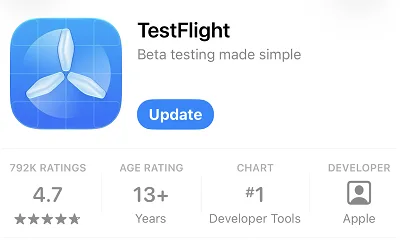
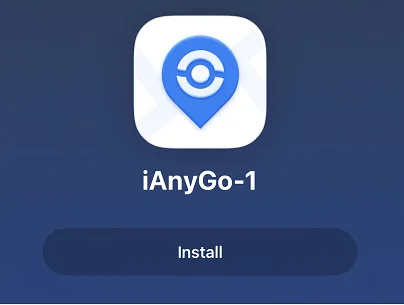
Step 2: Tap https://testflight.apple.com/join/cuVcvkxl to automatically open the iAnyGo iOS App page in TestFlight, then tap Install.
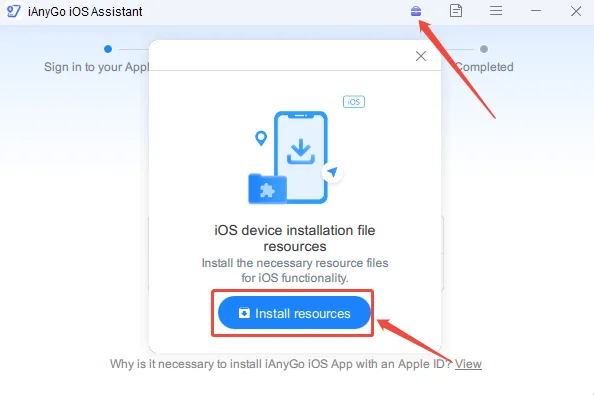
Step 3: Install the iAnyGo iOS Assistant
toolkit according to the instructions, and download the required resources as the
picture below shows.
iAnyGo iOS Assistant Download Link: https://www.ianygo.com/guide/ianygo-ios-assistant.html
Step 4: After installing the iAnyGo iOS app,for better performance and stability, downloading IPLocate from the App Store to use with iAnyGo is highly recommended.